Document Nodes
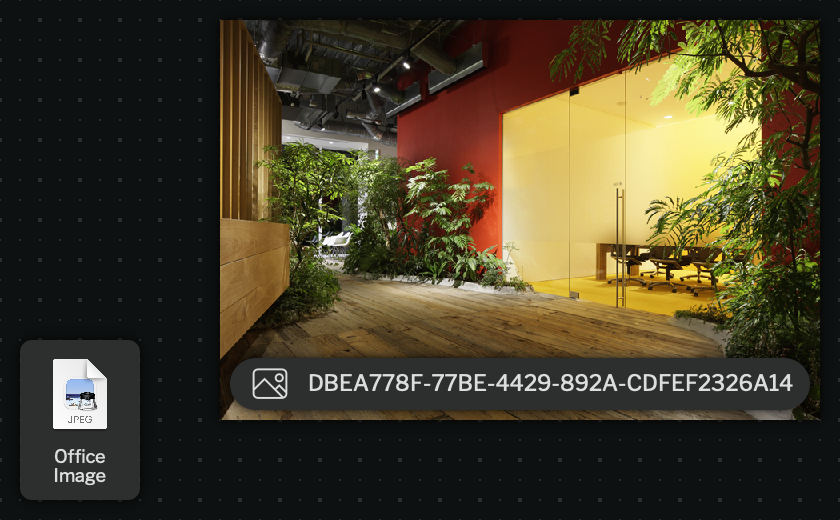
Document nodes are files that are embedded within the case content.
They can be created by the file node option in the add node tray. They can also be created by copy-pasting, or dragging and dropping a file into the graph.
Double clicking a document node will open it with a program determined by your operating system (just like a file in a folder on your computer).
Special Document Types
Section titled “Special Document Types”Some documents will have custom visualization options. Currently, only image documents have special functionality, but more will be added in the future.
Image Document
Section titled “Image Document”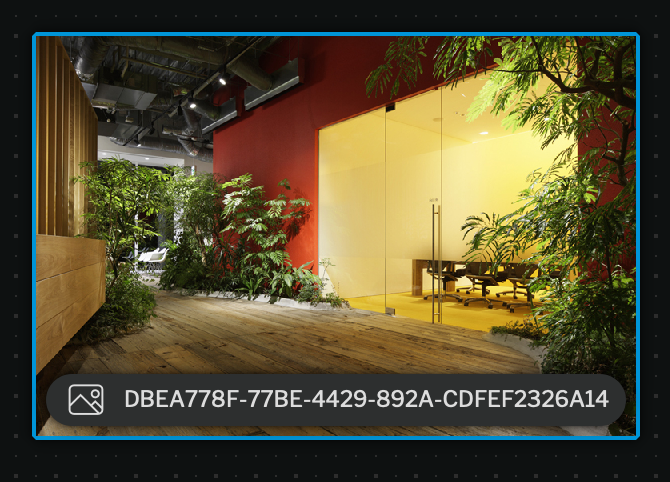
Image documents are documents where we have the ability to render them as an image.
In these cases, there should be a view as option in the left panel to toggle between image view and document (file) view. These are configured by default to view as the special document type, but unchecking this box turns the node into a generic document node.