Signal Nodes
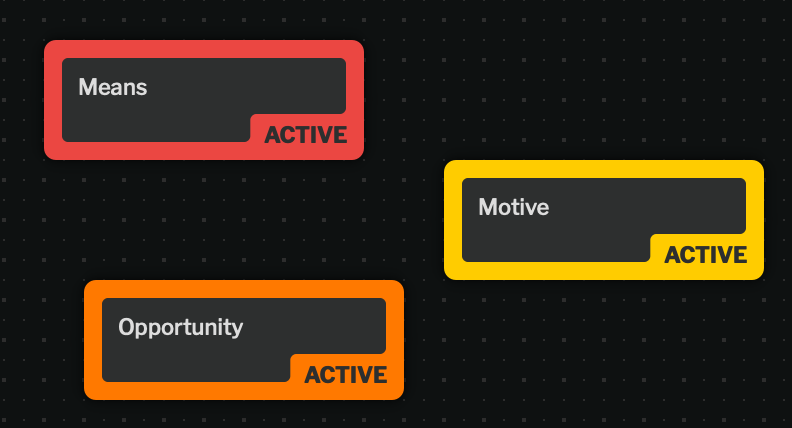
Signal nodes represent process steps and/or specific elements of an investigation type.
A signal set is a collection of related signals that together represent a complete process workflow (for example, a “Fraud Investigation” signal set might include signals for “Account Review”, “Transaction Analysis”, and “Documentation”).
Only one node for each signal can be in a case.
Signal Sets
Section titled “Signal Sets”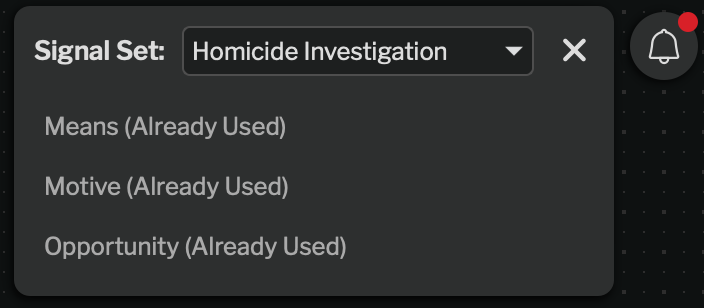
Signal sets are collections of signals to be used in a given process. They can be owned by either the library or a specific group. If owned by a specific group, it cannot be used by other groups.
Signal sets can also be disabled to prevent use in new cases. For more information about disabling signal sets, see Configuration: Signal Sets.
Active vs. Inactive
Section titled “Active vs. Inactive”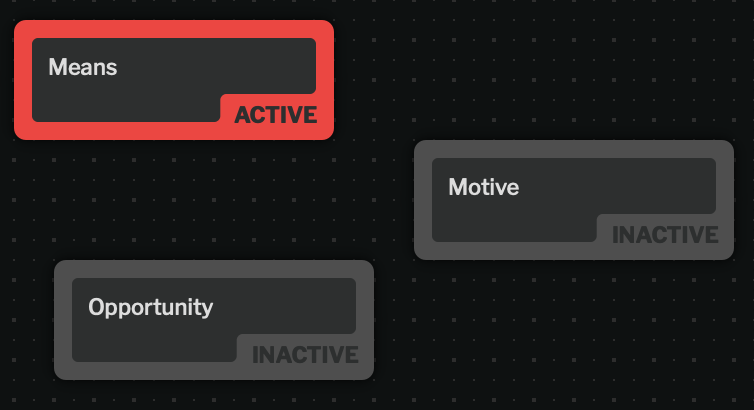
Signal nodes can be active or inactive. An inactive node indicates that the process step has been started, but the signal looked for has not been found yet.
This allows you to associate negative evidence (something not found) to a process step.
Signals can be toggled between active and inactive either via the left panel or via pressing Spacebar while the node is selected. Nodes are visually indicated as inactive by graying out the normally colorful node.