
Ask, Check, and Follow Up.
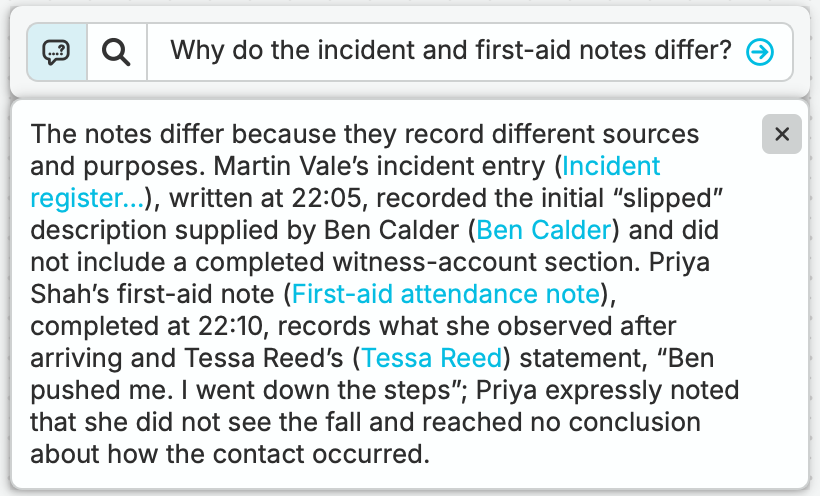
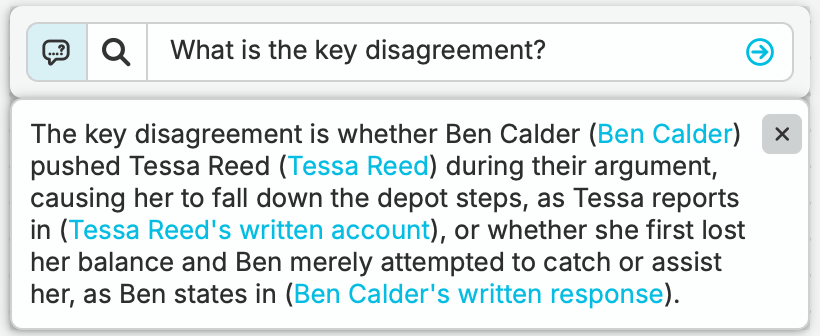
Ask nQuest’s AI directly from graph or list view. Answers draw from your collected case material and include references to the sources.
Ask a Focused Question
Ask where accounts differ, which records mention a person, or how two items connect.
Open the Sources
Read the referenced records in context. Distinguish firsthand observations from accounts repeated by others.
Plan the Next Inquiry
Record your assessment and use unresolved questions to guide the next interview or source check.
Use the Tool That Fits the Next Step.
Use in-case search when you want a set of relevant items to inspect. Use a case question when you want an answer assembled from the material. Both offer a way back into the investigation without navigating the whole graph first.
Questions Worth Asking.
Do I need a separate assistant account or connection?
Case questions are available inside nQuest when AI is enabled for your account. An external assistant connection is optional and separate from the built-in query.
Does a case answer search the live web?
Case answers work with the material you have collected in nQuest. Use your research tools to gather new sources, then bring them into the case for your next question.