
Make Different Accounts Easier to Compare.
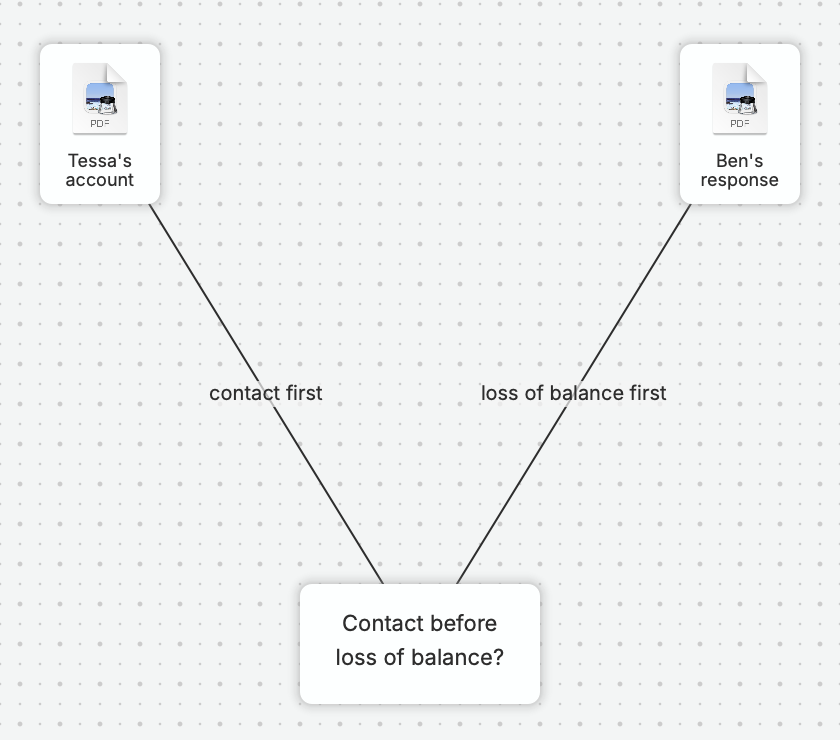
Statements, emails, and interview notes each tell part of the story. nQuest brings those records together with policy documents and follow-up, making it easier to compare what people describe and revisit the material behind a finding.
Ask nQuest’s AI questions such as “What do the collected accounts say about the sequence of events, and where do they differ?” The AI uses those records to answer and includes source references, helping you focus the next interview or inquiry on the points that need attention.
Keep the Review Moving Between Colleagues.
Bring a colleague into a document review or follow-up inquiry without separating that work from the investigation. Contribution status and return notes keep the request, the work completed, and the questions still open together.
Working records, findings, and handoff notes stay together. The next reviewer can see how the investigation developed, reducing the back-and-forth of locating files and repeating the same background.
Prepare the Record for the Next Review.
An editable Word draft gives you a starting point for the report your organization needs. The statements, supporting records, and follow-up are already together, so you can spend more of the reporting stage explaining the findings.
Reviewers can work from read-only case access or receive your completed report with exported supporting files. The working record remains available in the case when a later question calls for another look.
Questions Worth Asking.
How do I follow a case’s progress?
Case history records workflow events and notes, including ownership, contributions, and handoffs. Team includes collaboration for shared investigations.
Can we work with our existing records?
Yes. Supplied statements, correspondence, policy documents, and exported records enter as files, with interview and follow-up notes alongside them. Originating system references can be recorded in notes.
How is access to sensitive cases managed?
Case permissions define who can contribute or view, and compartments add restrictions for sensitive investigations. Your case, group, and account settings govern access. Explore security and data handling.