Keep the Connection You Found.
An email appears on two websites. A profile links to a third. nQuest gives those scattered details a place in the same investigation, with the captured sources beside the accounts and identifiers they connect.
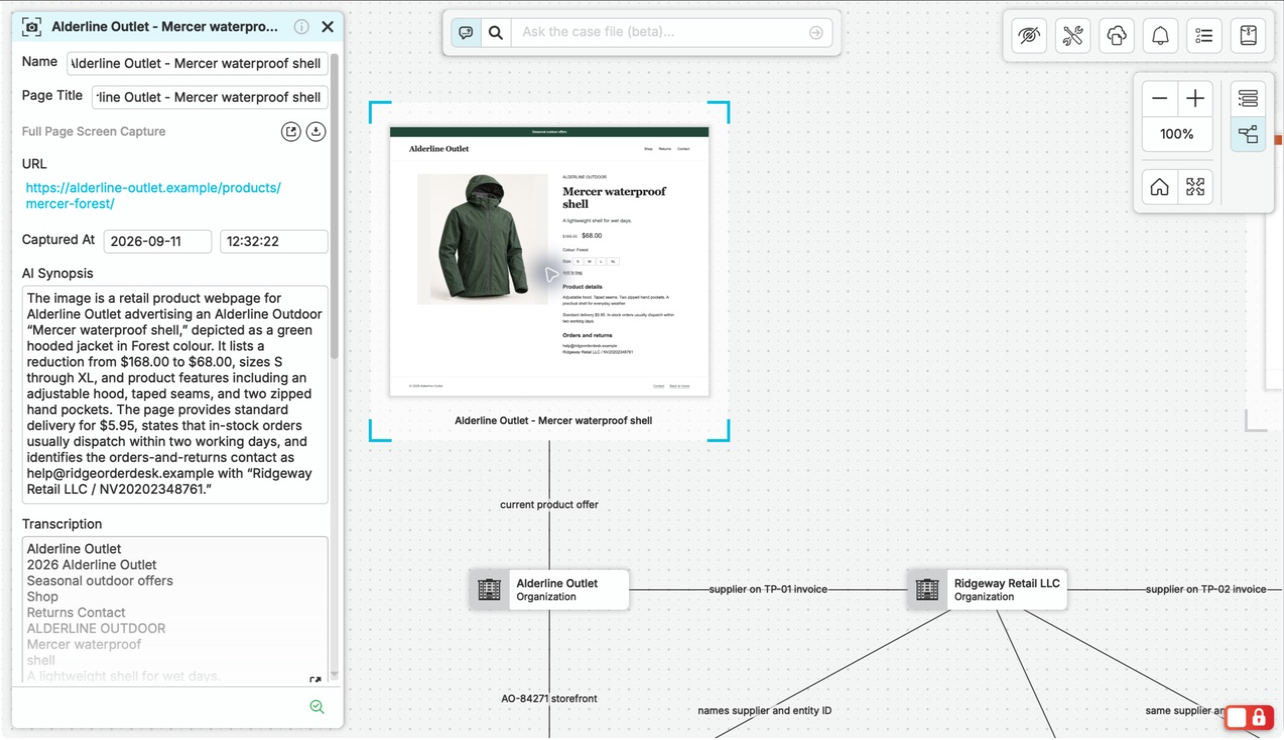
Capture long profiles and listings beyond the first screen, keeping the source URL and collection time. Text and frame captures retain a snapshot of the visible page for context. Exported reports and images from your research services fit alongside them, so a useful lead stays connected to the material that made it worth pursuing.
Ask Questions About All the Research in the Case.
A case question can draw from dozens of pages and profiles. nQuest’s AI uses the collected material to answer, with references that take you back to the sources behind the explanation.
The Alderline example connects web offers to controlled purchases, specimen photographs, and specialist reports. Brand investigator Jaya Shah asks whether a shared returns address connects another retailer to the counterfeit jackets, then checks the assessment and records behind the answer.
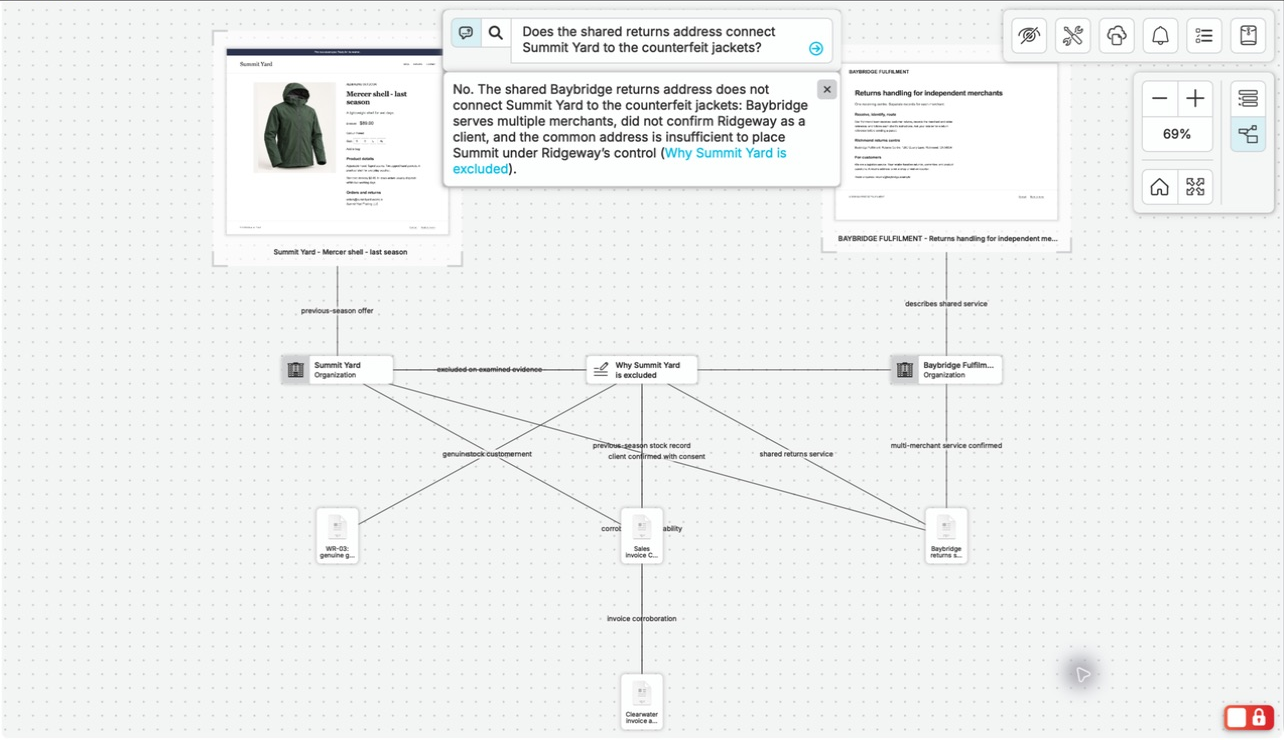
The AI answer explains why the shared address is insufficient and links back to the supporting case records.
View full screenshotKeep a Clear View as the Research Grows.
nQuest keeps your captures, notes, and recorded relationships together, so you can move between an individual source and the connections around it. A new lead becomes part of the wider picture you are building.
The list, graph, and search give you different ways into the same work. Start with the material you have and build out the investigation as new leads emerge.
Leave the Next Researcher a Useful Starting Point.
When a familiar contact detail appears again, search accessible earlier cases to recover the sources and work already done. Findings, follow-up questions, and colleagues’ contribution notes give the next researcher a useful place to continue.
You can prepare an editable Word draft and export the case or selected source folders for review. The reviewer can examine the finding and its supporting material without rebuilding the research trail.
Questions Worth Asking.
Can I keep using my research services?
Yes. Bring their exported reports and images into nQuest as files, alongside browser captures and notes. nQuest can analyze most documents and images and answer questions using the material in your case.
Can I work through a case without building a graph first?
Yes. Begin with captures and notes, use the list to review them, and ask a question about the collected material. Add relationships when they help explain the investigation.
Can I distinguish a connection from a hypothesis?
Yes. Relationships can describe what a source shows, such as a shared email or profile link, while your notes hold the assessment and open questions. AI answers include source references for your review.
How does nQuest compare to OSINTracker?
nQuest brings browser capture, AI case answers, and collaboration into one investigation workspace. Our comparison covers the workflows, data handling, and export options of both tools. Compare nQuest and OSINTracker