
Sources, Entities, and Relationships in One Case.
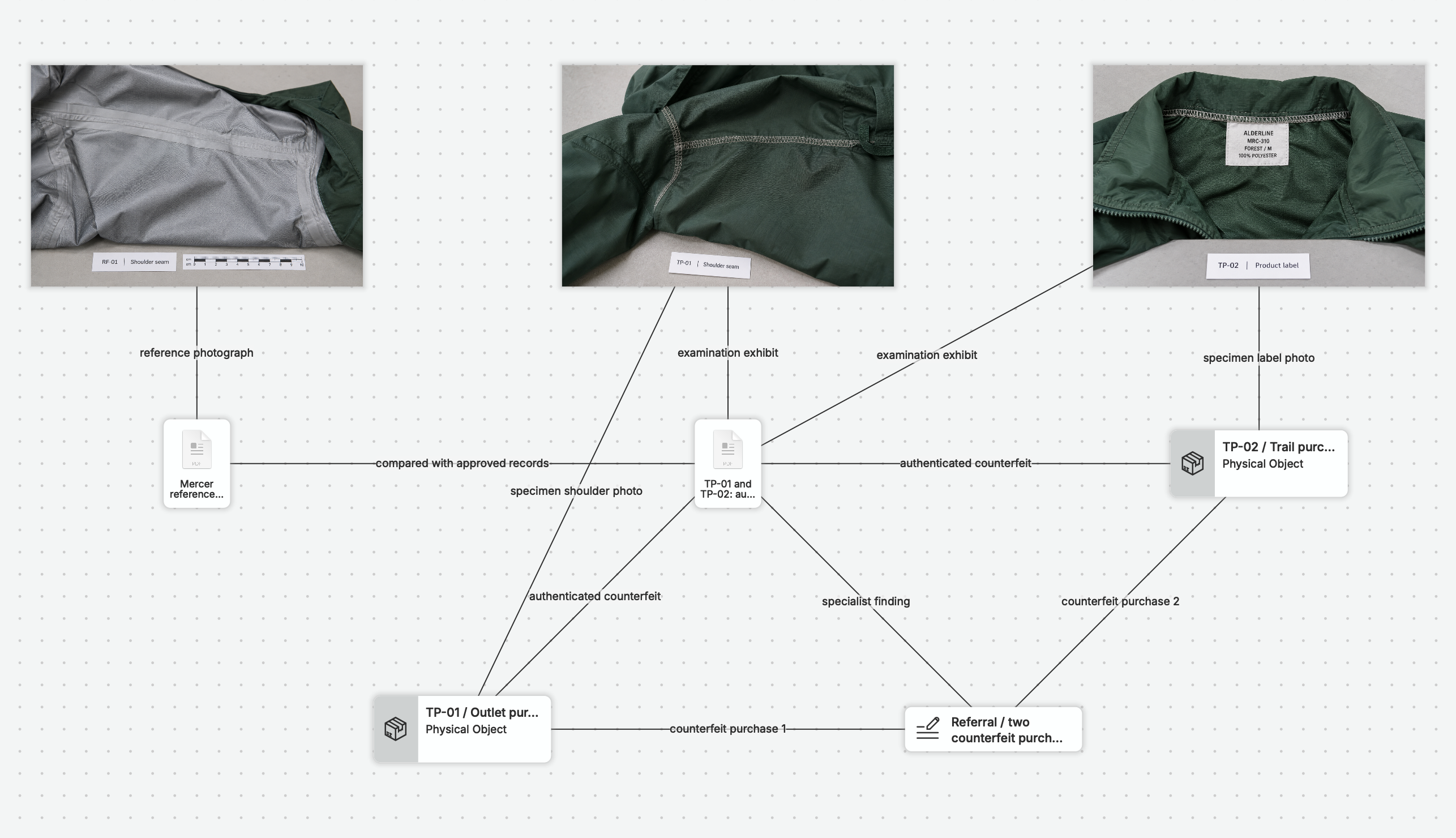
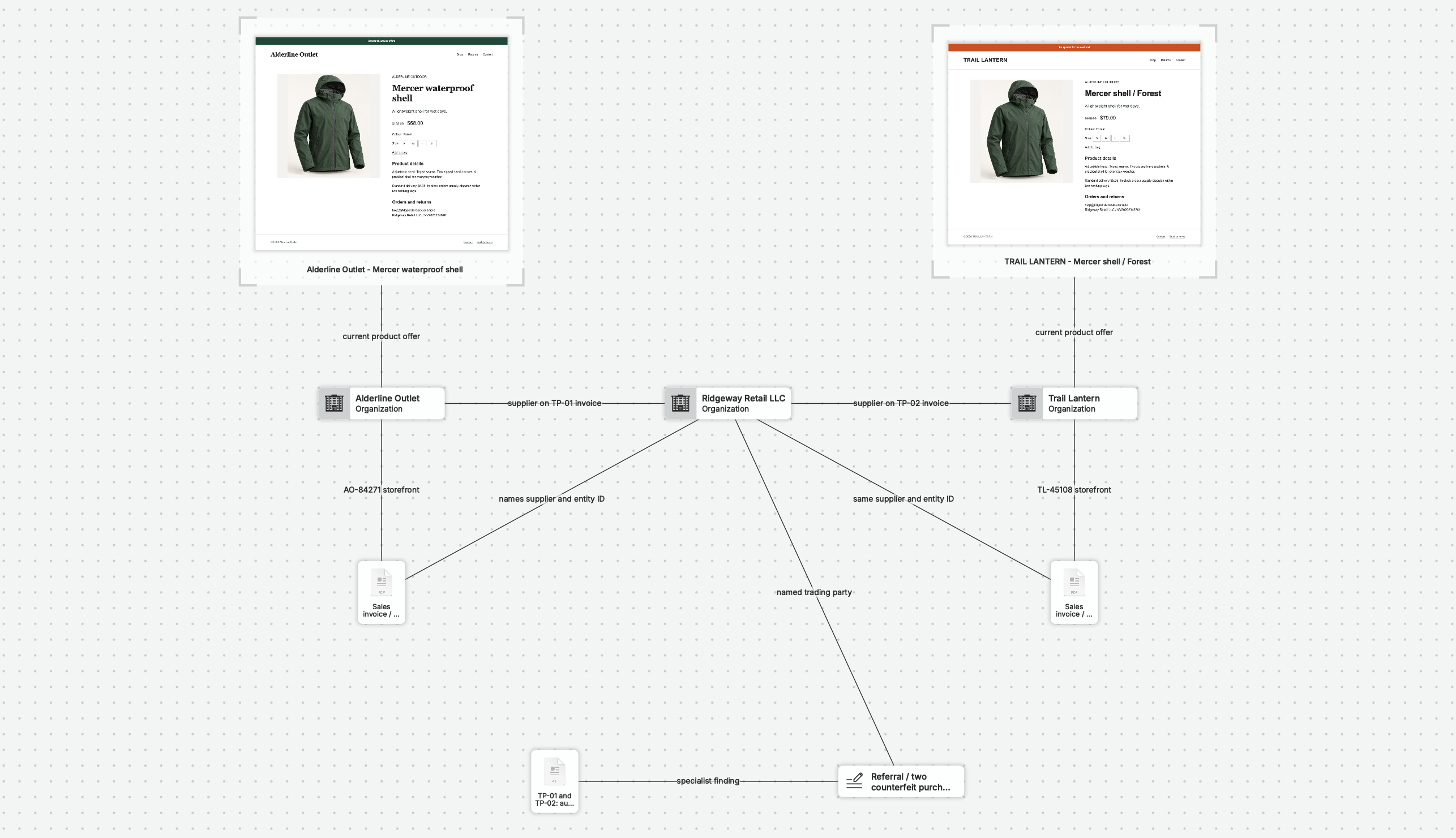
A captured account, an interview note, and a supplied document can describe different parts of the same event. In nQuest, you can connect them to the people and organizations involved and see how the material fits together across the investigation.
Give Every Connection an Explanation.
Named, directed relationships record how people, accounts, and sources relate. Keep that explanation beside the supporting material so another reader can follow the connection and open the sources behind it.
See the Pattern. Open the Detail.
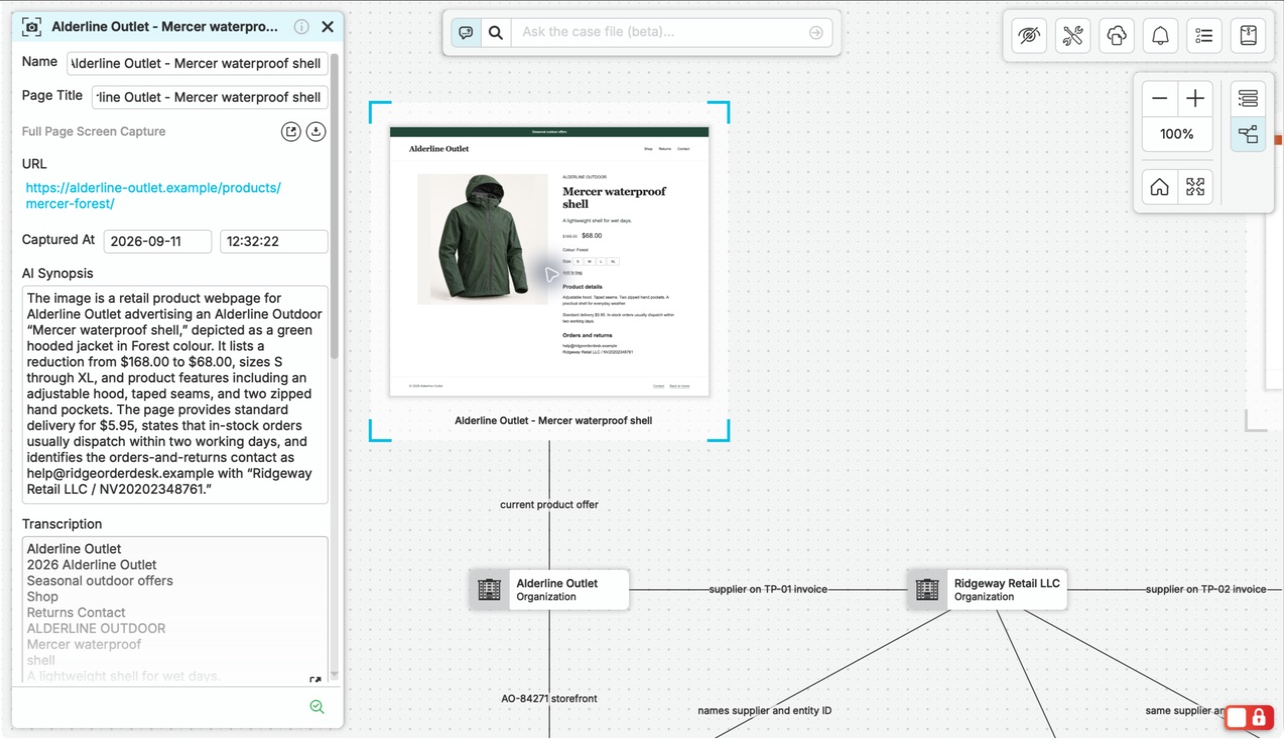
Move between the connections and the sources without maintaining separate versions of the investigation. Graph and list views work from the same case material.
Trace Relationships
Follow the graph from a person or account to connected items and the sources around them.
Review the Material
Use the list to work through case items and explore their details and linked records.
Find a Particular Detail
Describe the material you need in AI-powered search and open the matching items in the case.
Build a Case Your Team Can Follow.
When a colleague picks up the case, the sources, relationships, and your explanation are together. The work you put into understanding the connections becomes part of the investigation they can continue.
Custom entity definitions on the Team plan give recurring investigations a consistent set of fields. Ad hoc fields leave room for details that belong to a particular case.
Questions Worth Asking.
Do all case items need relationships?
No. Start with a collection of sources and add relationships as the case develops. You do not need to design a detailed model before you begin.
How is relationship certainty recorded?
When uncertainty is enabled in the library, you can record your assessment of a relationship’s certainty alongside its explanation. This is the investigator’s assessment, not a measured probability or an independently verified connection.